Your real photo, not an AI guess
Many "art QR" tools ask an AI to invent a new picture. QRPetal keeps your actual photo: your café, your couple shot, your product. It only adds the small marks a QR reader needs.
Photo QR code generator
Pick a photo, paste a link, and QRPetal weaves the code into your picture. Every code is checked by two QR readers before you download it, so you know it works before you print.

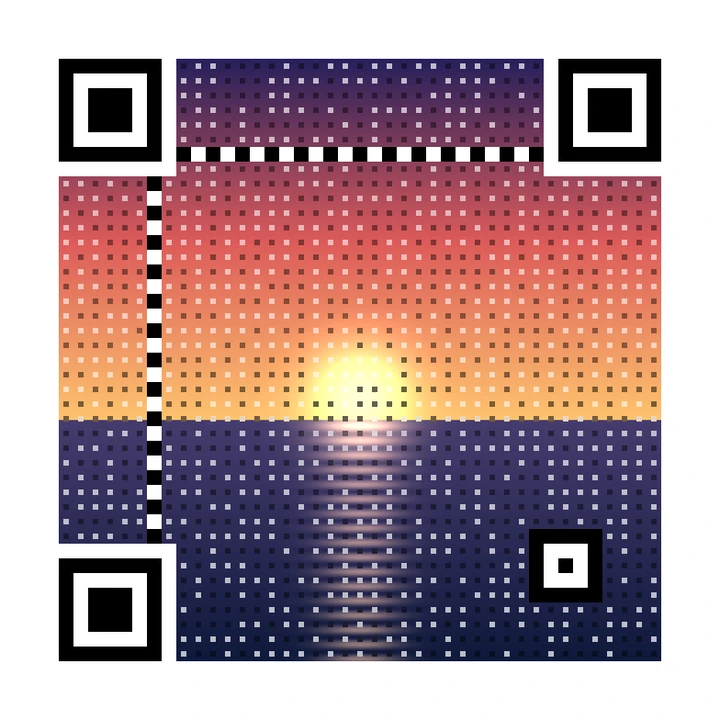
Your code will appear here, with a scan check from two QR readers.
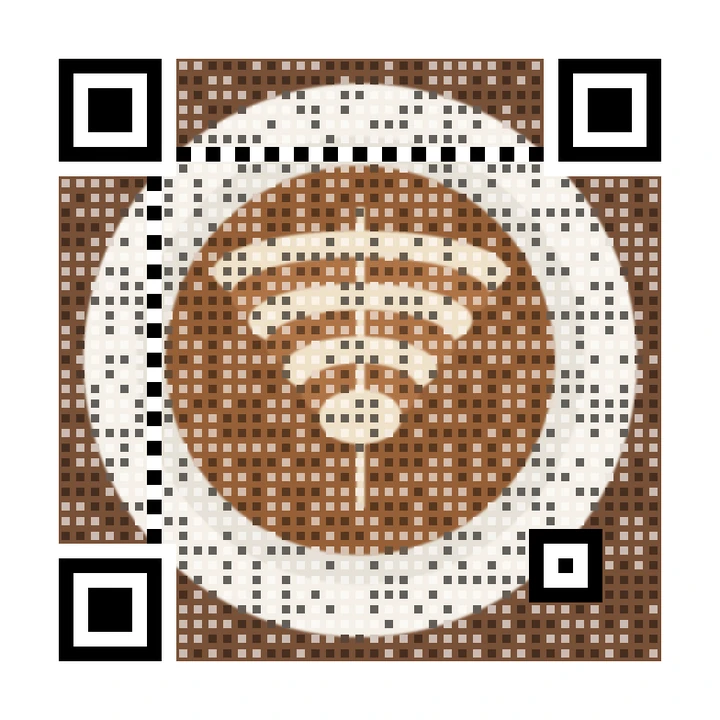
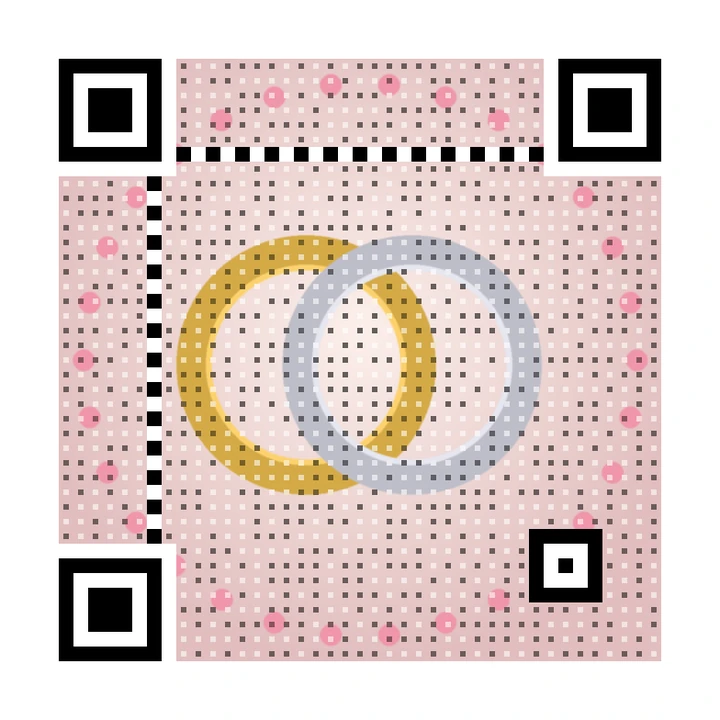
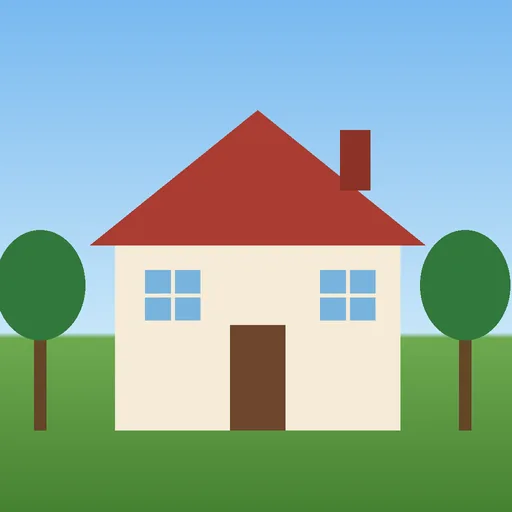
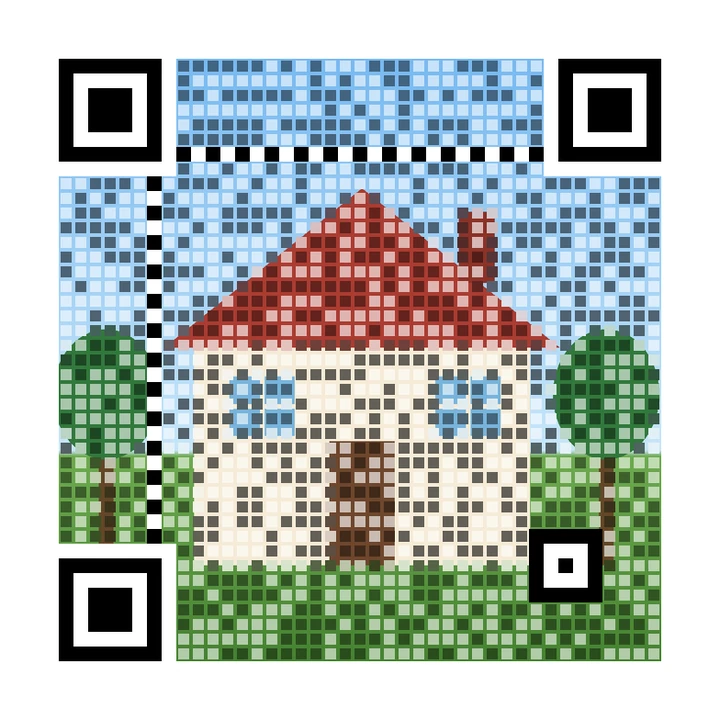
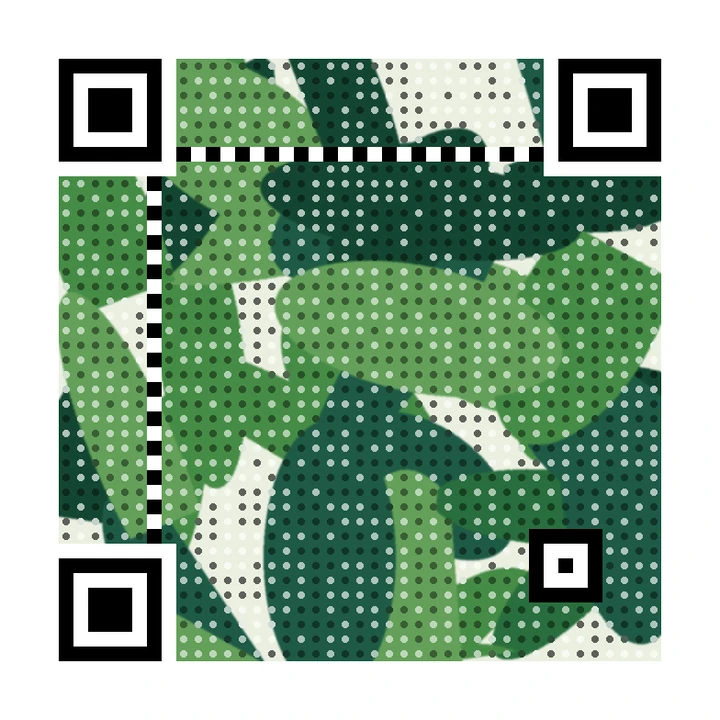
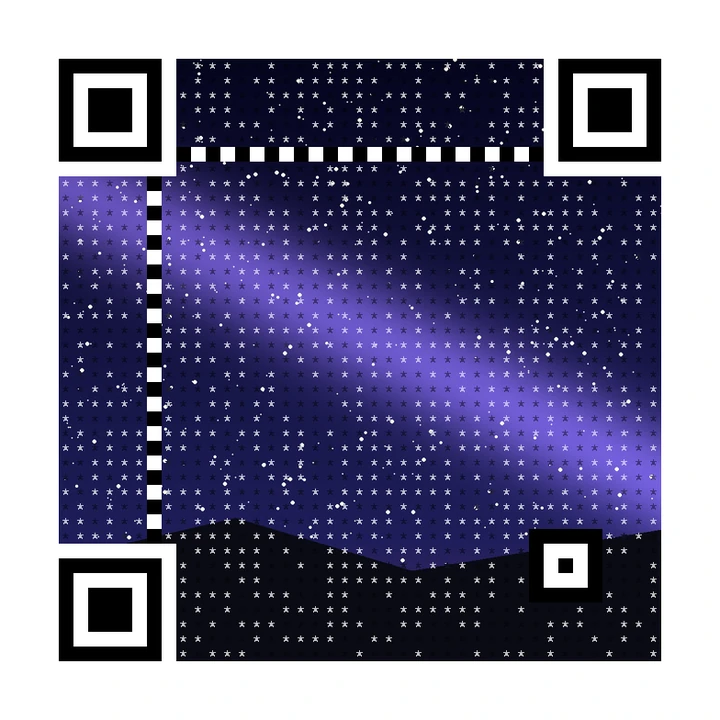
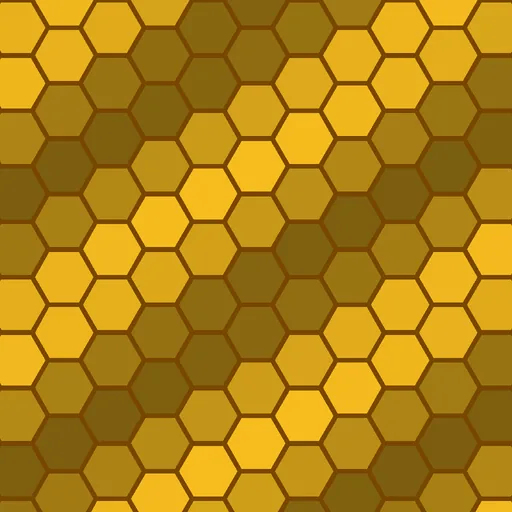
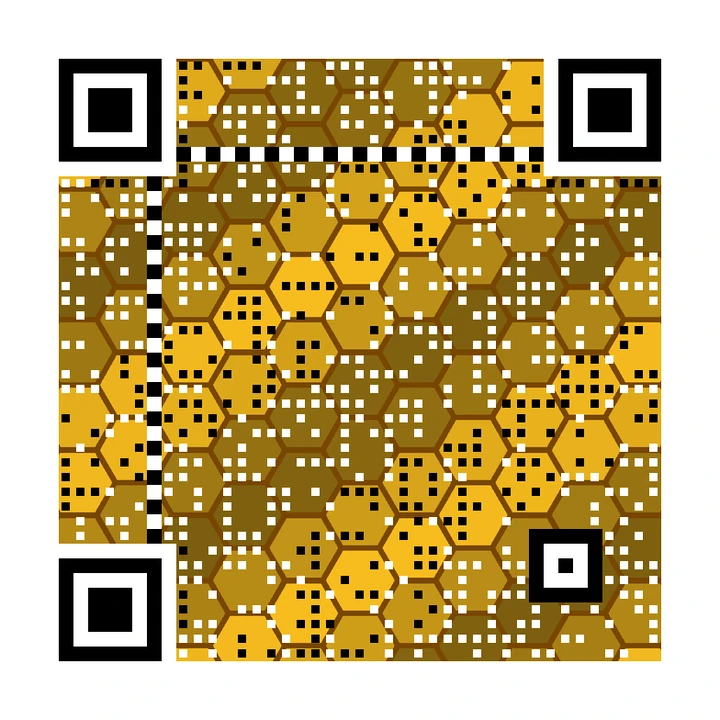
Each one of these was made by the QRPetal engine from the picture on its left, and read back by our QR readers.

Many "art QR" tools ask an AI to invent a new picture. QRPetal keeps your actual photo: your café, your couple shot, your product. It only adds the small marks a QR reader needs.
Two different QR readers try every code. You see a plain answer: Scans great, Scans OK or Might not scan. If a style fails, QRPetal adds more QR signal and tries again, and tells you it did.
Some QR services switch your printed codes off when you stop paying. We don't. Static codes work forever, and editable codes keep forwarding to their last link even if you cancel.
Choose a photo from your phone or computer and type the web address the code should open.
Slide between "more photo" and "easier to scan", and choose square, round or star-shaped dots.
We test the code with two QR readers, show the scan score, and you download it ready to print or share.
Make and download photo QR codes for free. Upgrade for print-size downloads, editable links and scan stats.
Beautiful photo QR codes, free forever.
$0 forever
Our pick for small businesses
For small businesses and creators.
$7 / monthBilled $84 once a year, save 22%
$9 / monthBilled monthly, cancel any time
For marketers, agencies and print shops.
$23 / monthBilled $276 once a year, save 21%
$29 / monthBilled monthly, cancel any time
Yes. You can make photo QR codes for free, up to 10 previews a day, and download them as PNG files. Free codes are static: the link is inside the pattern, so they keep working forever, even if QRPetal disappears. Paid plans add bigger downloads without the label, editable links and scan stats. See pricing.
Every code is read by two different QR readers (OpenCV and ZXing) before you download it, and we show you the result in plain words: Scans great, Scans OK or Might not scan. If a style fails, QRPetal automatically adds more QR signal and tries again. We never pretend a failing code works. Phones differ, so always test with your own phone before you print a lot.
No. QRPetal does not invent a new picture. It keeps your real photo and draws small black and white marks on top where the QR pattern needs them. What you see is your photo plus the code. Read how it works.
An editable code holds a short link that we run. The short link forwards people to your real website, and you can change where it goes after the code is printed, and see how many people scanned it. The Free plan includes 1 editable code; paid plans include more. Read dynamic vs static QR codes.
They keep working. Static codes never depended on us in the first place. Editable codes keep forwarding to their last link forever; you only lose the ability to edit them, see new stats and make new ones. The one exception is a code that is blocked for abuse such as phishing or malware.
Any web link or text up to 4,096 characters. Shorter content makes a calmer pattern that shows more of your photo, so a short link is best. Wi-Fi and contact-card helpers are coming later; for now you can paste the text yourself.
The demo and the free editor send your photo to our server only to build the code, then return the result. We save a photo only when you choose to save a design in your account, and delete it when you delete the design. Questions: [email protected].
Free, no sign-up needed for your first codes. Every code is checked before you download it.